
TypeOnce
Coming soon
Stop typing the same things repeatedly.
- Chrome
- Edge
- Firefox
Browser extension by A2Z Tools
Use the useful parts of websites without the addictive feeds.
Hide feeds, short videos and recommendations on popular video and social sites, site by site, with a focus schedule.
 Chrome Web StoreComing soon for Chrome
 Microsoft Edge Add-onsComing soon for Edge
 Firefox Add-onsComing soon for Firefox
We are preparing the store listings. The buttons switch on as soon as each store approves the extension; there are no unofficial downloads.
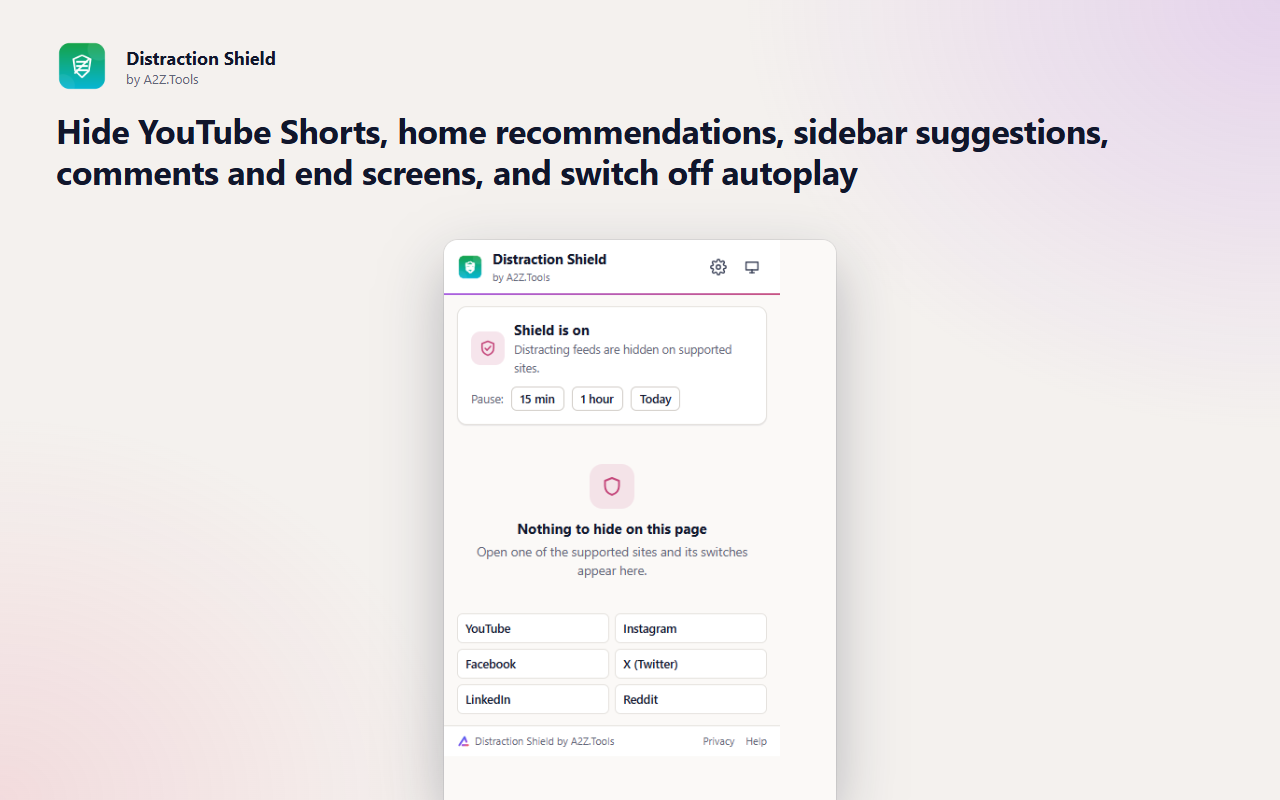
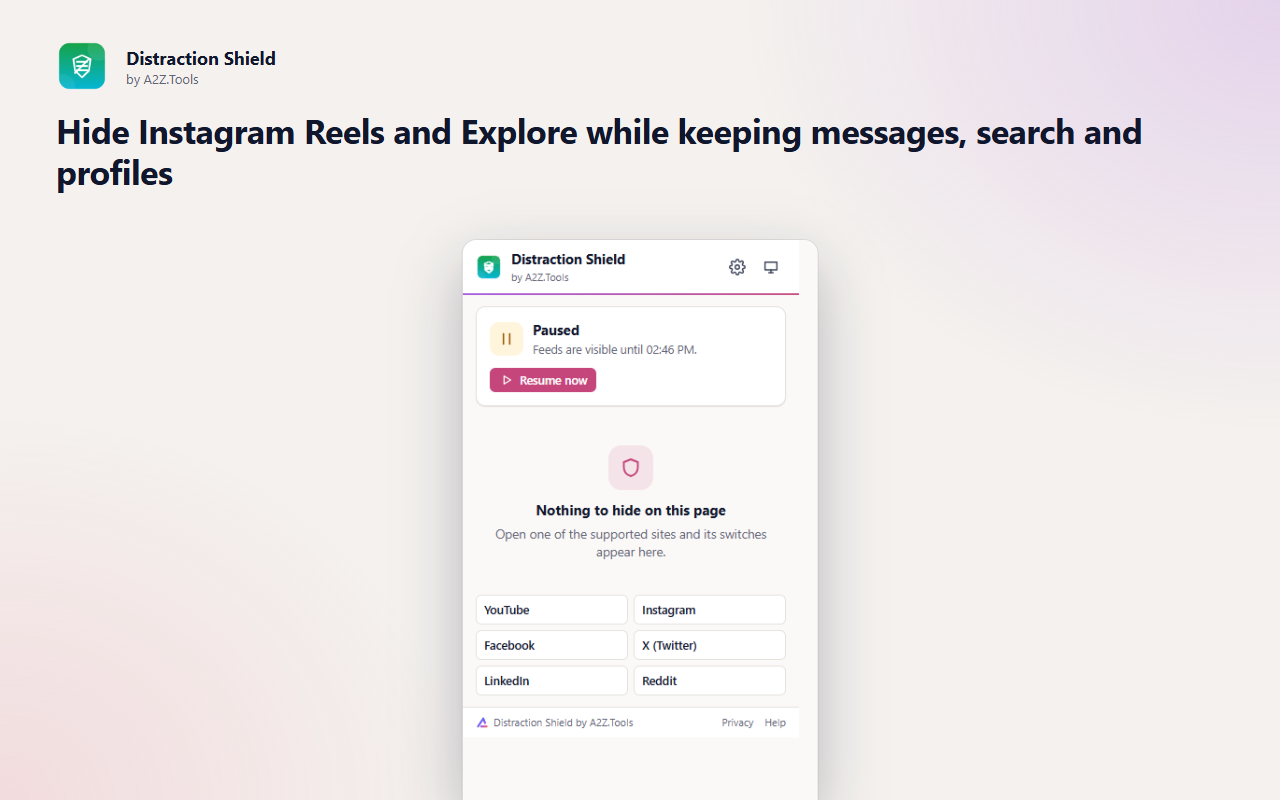
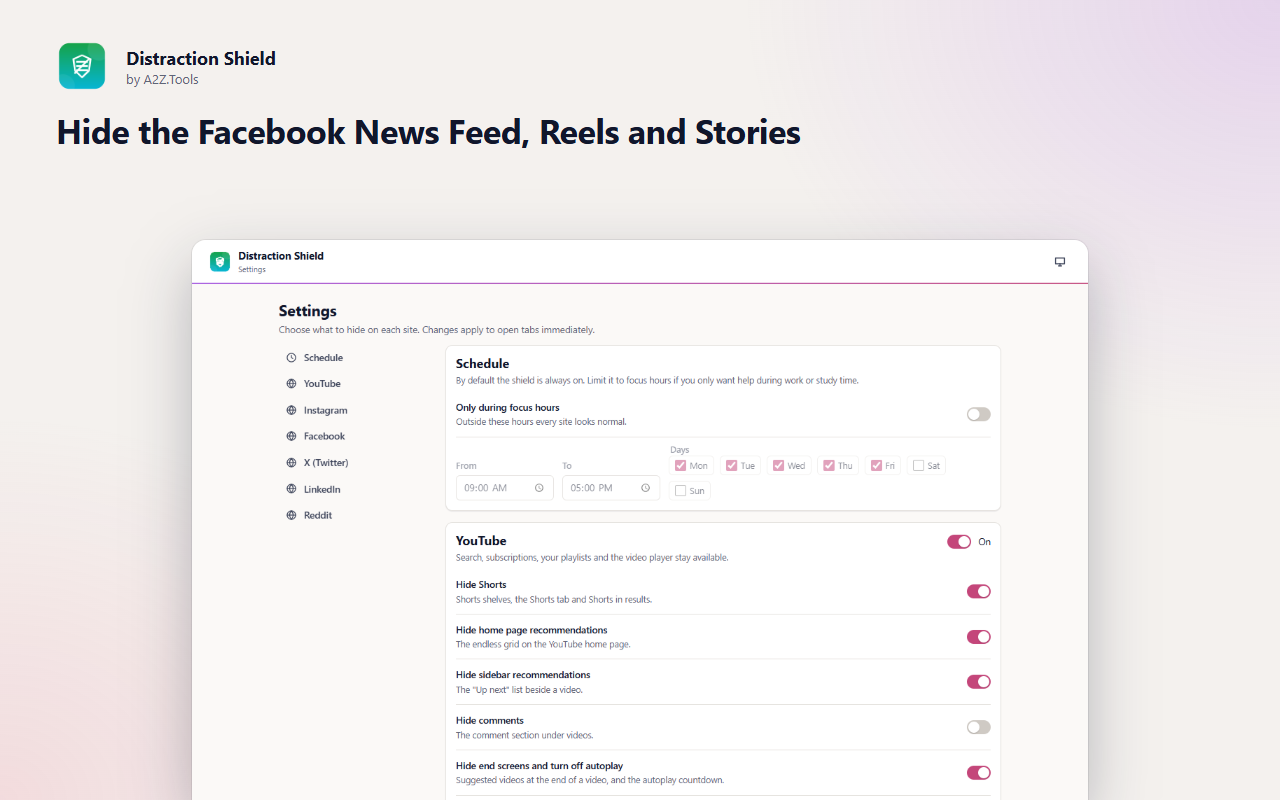
Most social sites are useful for a few specific things - a video you searched for, a message, a job listing - and then pull you into an endless feed. Distraction Shield keeps the useful parts and hides the feeds that are designed to keep you scrolling.
Each site has its own switches with sensible defaults: Shorts and home recommendations off on YouTube, Reels and Explore off on Instagram, the main feed off on LinkedIn, and so on. Search, subscriptions, messages and profiles keep working.
When you do want the feed, "Show once" reveals it for the page you are on, and you can pause the shield or limit it to focus hours. Everything happens on your device with a stylesheet - nothing about your activity is collected.
Shortcuts can be changed in your browser's extension shortcut settings.
Distraction Shield works only on six social sites, hides parts of them with a stylesheet on your device and never reads, collects or sends anything.
The address (site and path) of pages on the six supported sites, to decide which of your rules apply. Page content is not read.
storage.local in this browser profile: your on/off choices per site, schedule and pause time.
None.
Until you reset the settings or remove the extension.
No account, no analytics, no advertising, no selling or sharing of data, and no remotely hosted code.
Saves which sections you chose to hide on each site, your schedule and any pause, on this device.
Clears the "paused" badge on the toolbar icon when a pause you started ends.
Runs inside web pages on: https://*.youtube.com/*, https://*.instagram.com/*, https://*.facebook.com/*, https://x.com/*, https://*.x.com/*, https://twitter.com/*, https://*.twitter.com/*, https://*.linkedin.com/* and https://*.reddit.com/*.
| Browser | Minimum version | Store |
|---|---|---|
| Google Chrome |
120 | Coming soon |
| Microsoft Edge |
120 | Coming soon |
| Mozilla Firefox |
140.0 | Coming soon |
No. It hides specific sections such as feeds, Shorts, Reels or recommendations. Search, messages, subscriptions and profiles stay available.
YouTube, Instagram, Facebook, X (Twitter), LinkedIn and Reddit on the web.
Yes. A small notice at the bottom of the page has a "Show once" button that reveals it until you navigate away. You can also pause the shield for 15 minutes, an hour or the rest of the day.
No. It only adds a stylesheet to the supported sites. It does not read page content and has no network access.
Sites change their layout from time to time. Each rule uses several fallbacks, but if one stops working, report it through the A2Z.Tools contact page so the rule can be updated.
Coming soon
Stop typing the same things repeatedly.
Coming soon
Capture anything, extract its text, hide private information.
Coming soon
Never lose your browsing workspace.
Questions, bugs or ideas for Distraction Shield? Contact the A2Z Tools team.
