

WebVault
Coming soon
Save a webpage exactly as it is, before it changes.
- Chrome
- Edge
- Firefox

Browser extension by A2Z Tools
Better controls for videos on the web.
Speed control, keyboard shortcuts, timestamp bookmarks and notes, resume and picture-in-picture for HTML5 video on any site.
 Chrome Web StoreComing soon for Chrome
 Microsoft Edge Add-onsComing soon for Edge
 Firefox Add-onsComing soon for Firefox
We are preparing the store listings. The buttons switch on as soon as each store approves the extension; there are no unofficial downloads.
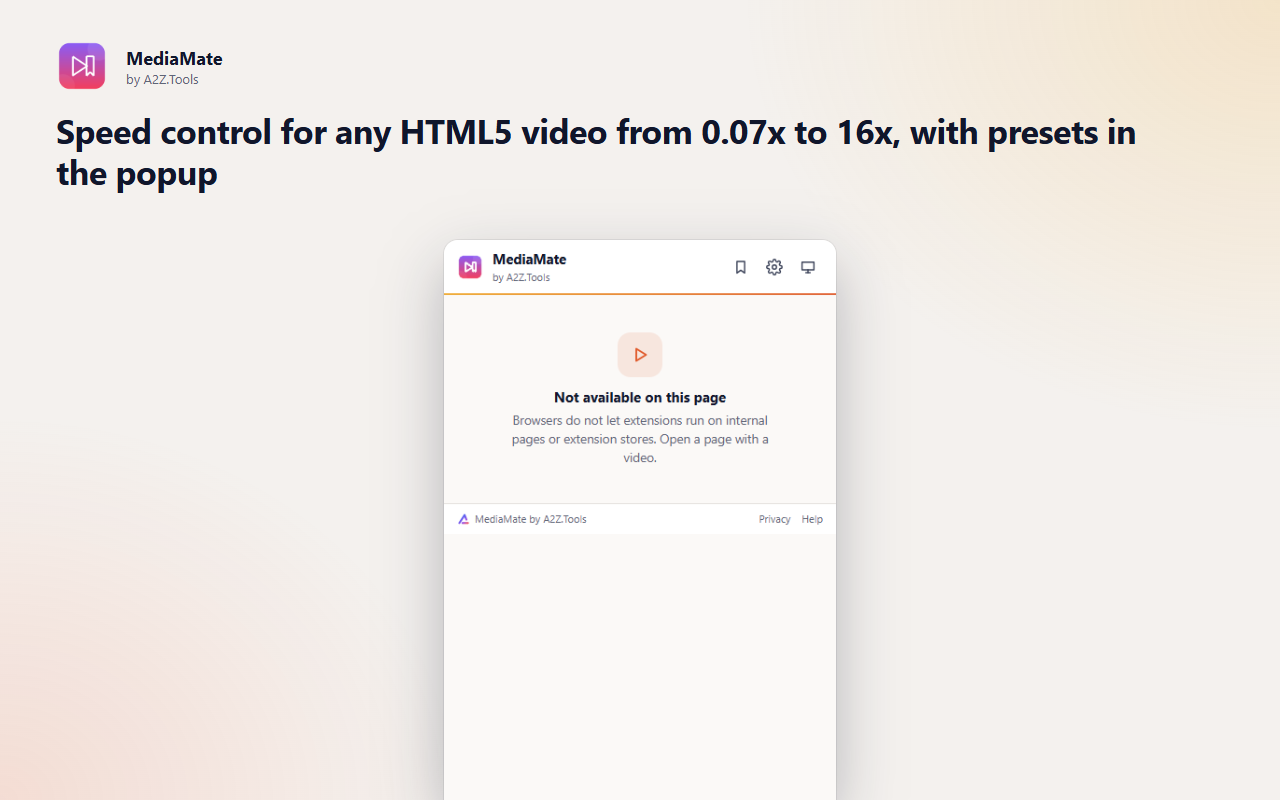
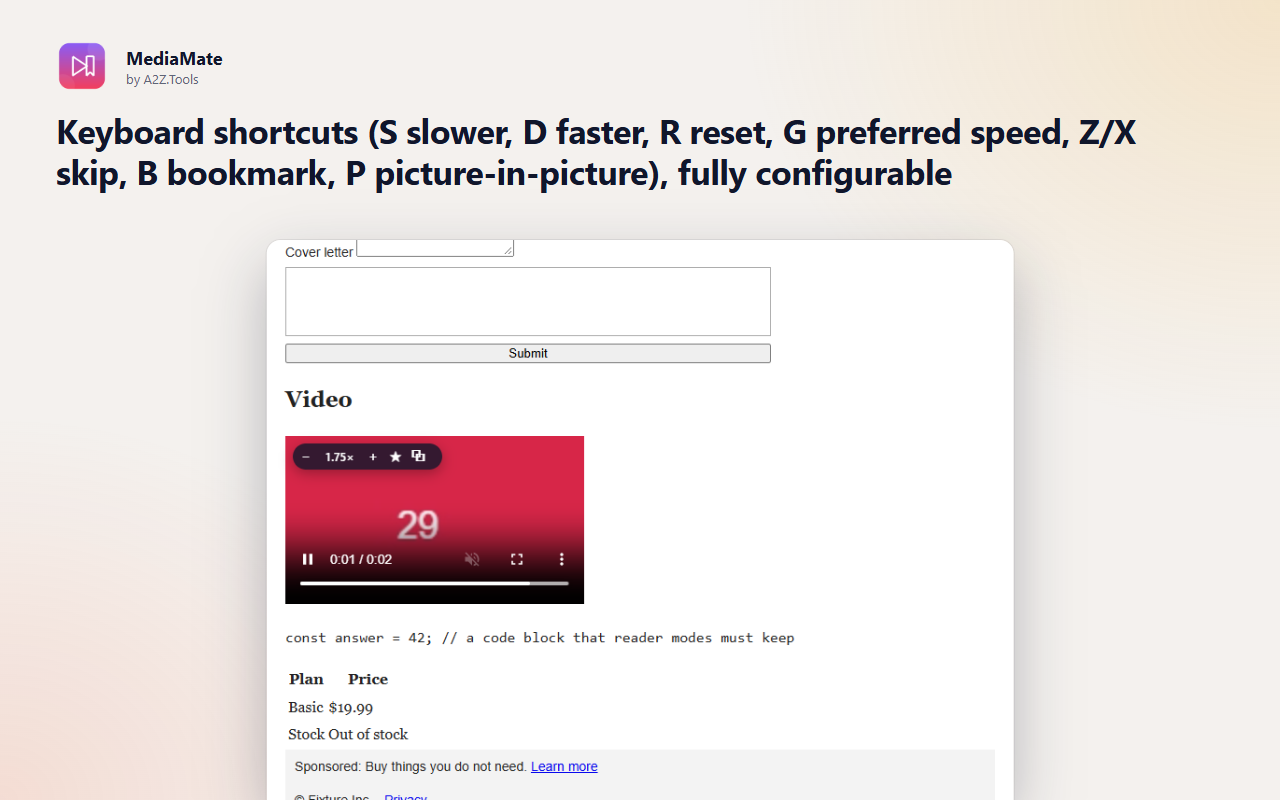
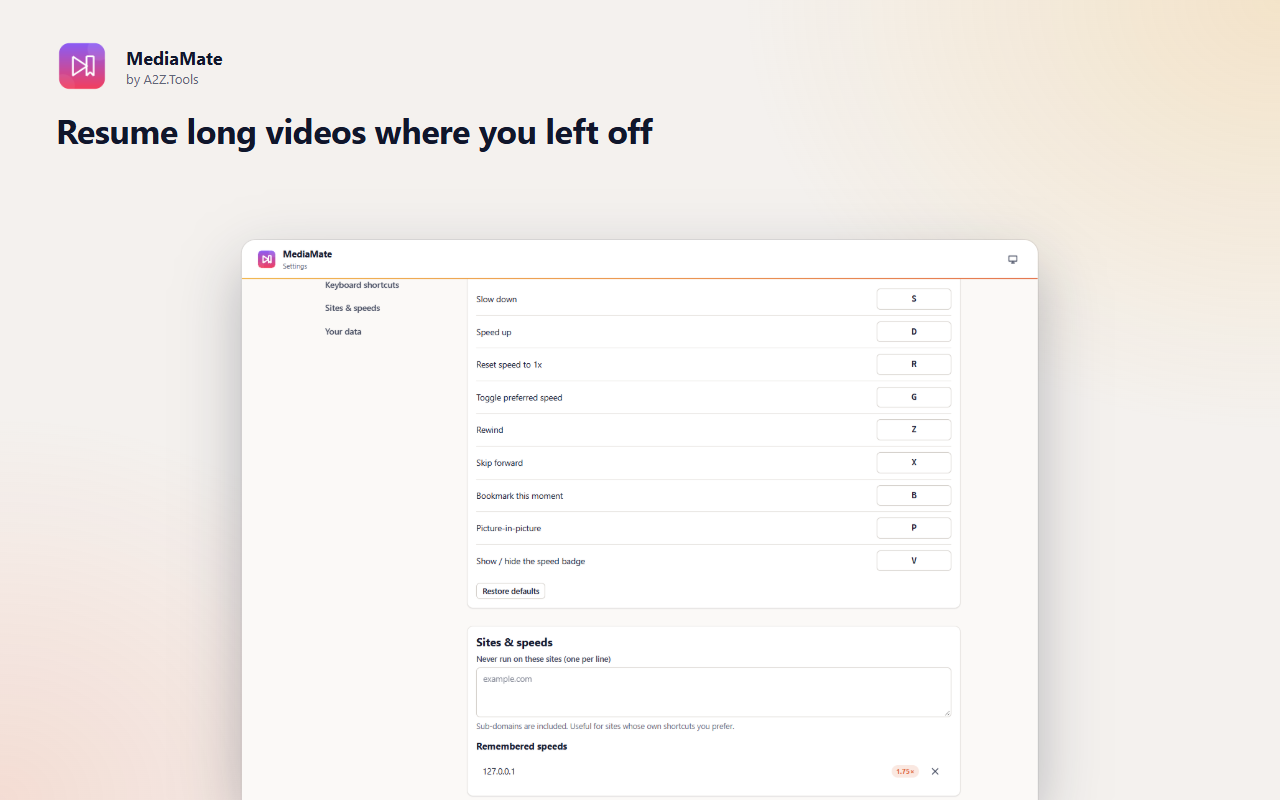
MediaMate gives every HTML5 video on the web the same set of controls: precise speed from 0.07x to 16x, skip keys, picture-in-picture and a small speed badge you can click. Your speed is remembered per site, so a course platform can always play at 1.75x while music videos stay at normal speed.
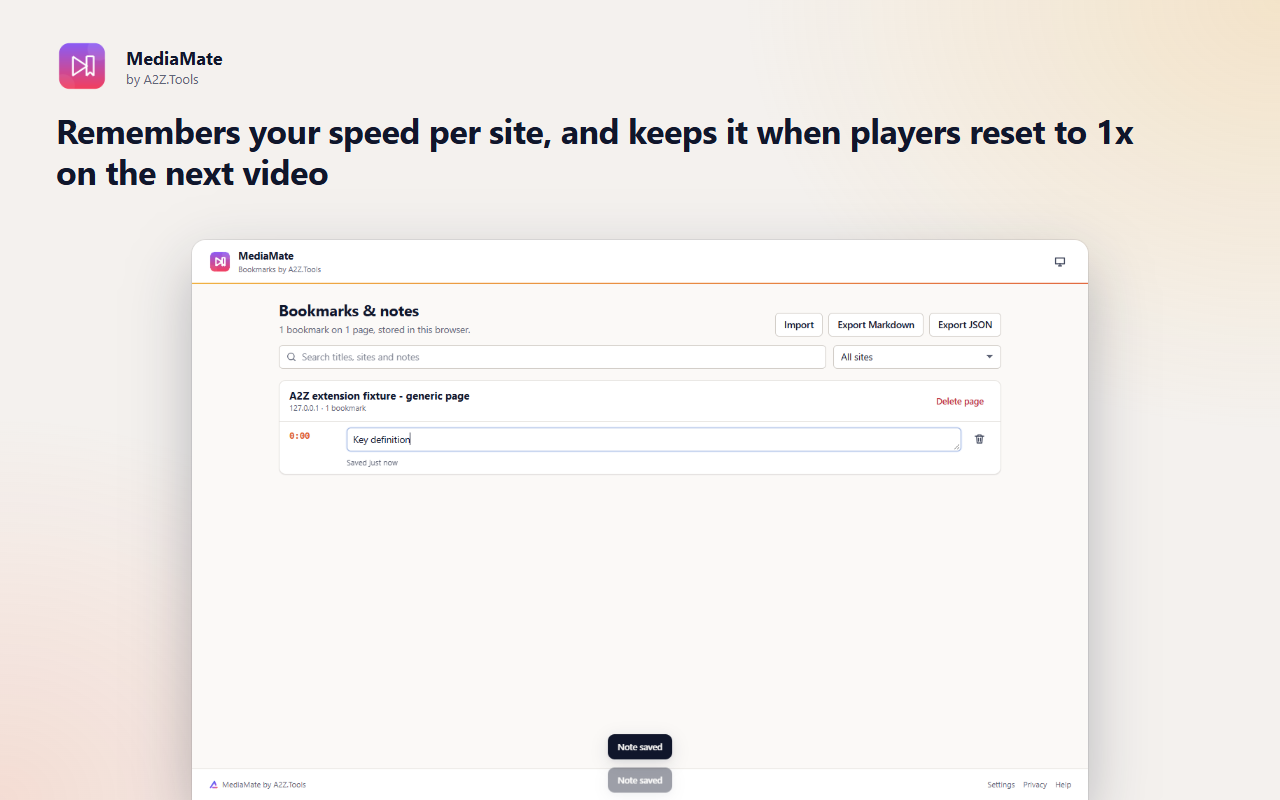
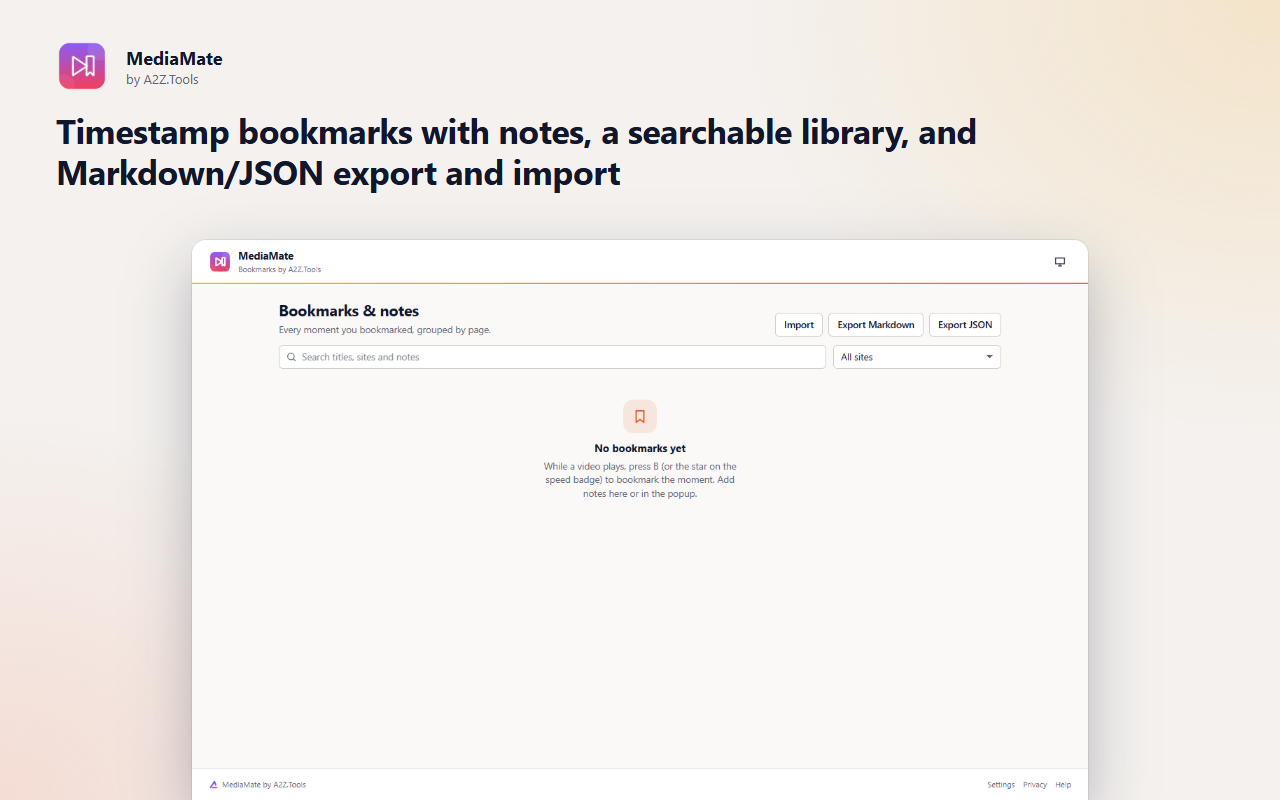
It is built for learning. Press B to bookmark the moment a lecturer explains something, add a note, and find it again later in a searchable library that exports to Markdown. Long videos resume where you stopped, and if the page shows a transcript you can search it and jump straight to the line.
Everything stays in your browser. MediaMate makes no network requests and has no download feature - it controls playback, nothing more.
Shortcuts can be changed in your browser's extension shortcut settings.
Speeds, positions, bookmarks and notes stay in this browser. MediaMate makes no network requests, has no account and no analytics, and never downloads or copies video.
The playback state of HTML5 videos on pages you visit (speed, current time, duration), the page title and address when you bookmark a moment, and an on-page transcript only while you search it in the popup.
storage.local in this browser profile: settings, per-site speeds, the last 300 playback positions, bookmarks with notes.
None. MediaMate never contacts any server.
Positions roll over after 300 videos. Bookmarks stay until you delete them in the library or remove the extension.
No account, no analytics, no advertising, no selling or sharing of data, and no remotely hosted code.
Saves your settings, the speed you chose for each site, playback positions, and your timestamp bookmarks and notes on this device.
Adds the video controls to tabs that were already open before you installed MediaMate, when you open the popup there.
Runs inside web pages on: all websites.
| Browser | Minimum version | Store |
|---|---|---|
| Google Chrome |
120 | Coming soon |
| Microsoft Edge |
120 | Coming soon |
| Mozilla Firefox |
140.0 | Coming soon |
Any site that uses a standard HTML5 video element: YouTube, Vimeo, course platforms, news sites and most embedded players. Players that hide the video inside closed shadow DOM or use DRM-only rendering may not be controllable.
No. Shortcuts are ignored while a text field, search box or editor has focus, Ctrl/Cmd combinations are left to the page and browser, and you can pause MediaMate on any site.
No. It only changes how a video plays in the page. It never saves or copies media.
In your browser's extension storage on this device. Export them as Markdown or JSON from the library to back them up or move them.
Browsers block audio analysis of videos served from other domains, which is most streaming sites, so the feature could not work reliably. We would rather leave it out than ship something that fails silently.
Coming soon
Save a webpage exactly as it is, before it changes.

Coming soon
Unlimited screen recording that stays on your device.

Coming soon
Own and organize your AI conversations.
Questions, bugs or ideas for MediaMate? Contact the A2Z Tools team.
