

History Recall
Coming soon
Find the page you remember but can't find again.
- Chrome
- Edge
- Firefox

Browser extension by A2Z Tools
Restore normal copy, paste and right-click on sites that block it.
Re-enable text selection, copy, paste and the right-click menu on sites that block them, and copy clean text or Markdown.
 Chrome Web StoreComing soon for Chrome
 Microsoft Edge Add-onsComing soon for Edge
 Firefox Add-onsComing soon for Firefox
We are preparing the store listings. The buttons switch on as soon as each store approves the extension; there are no unofficial downloads.
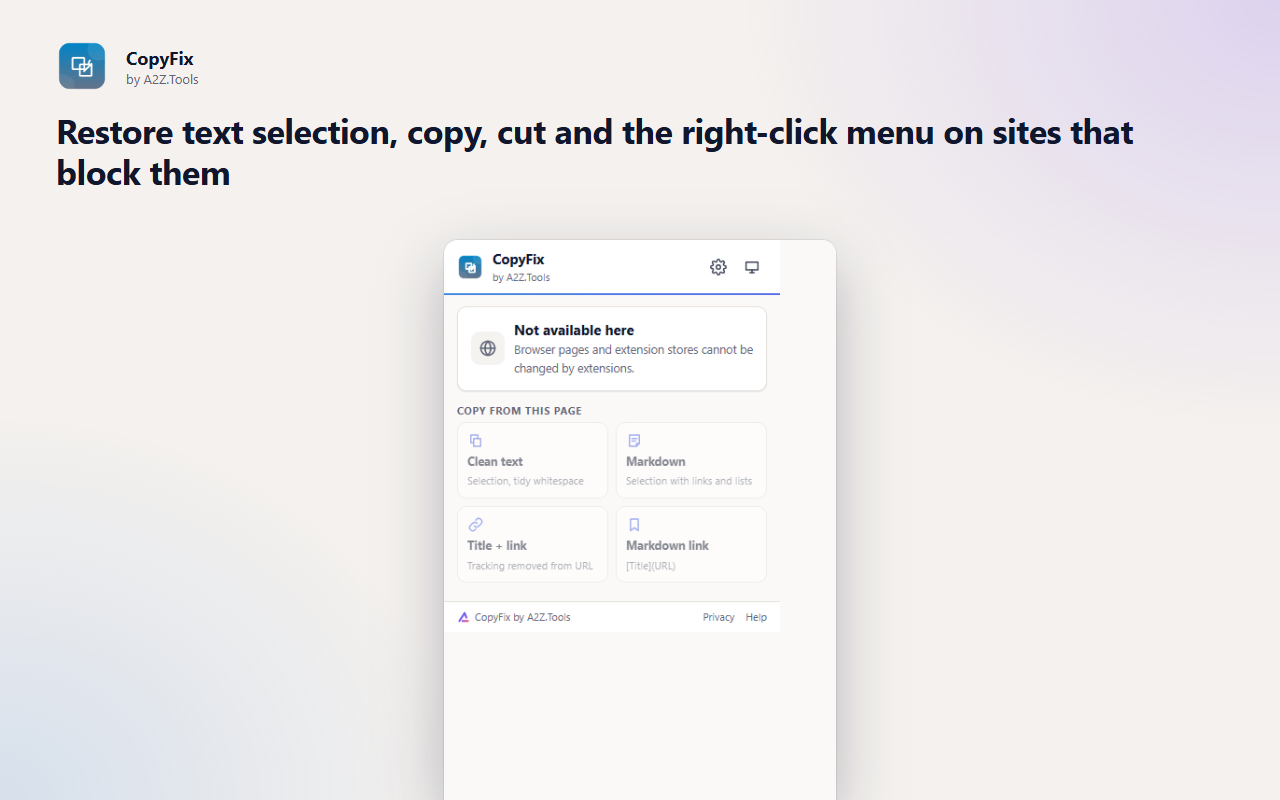
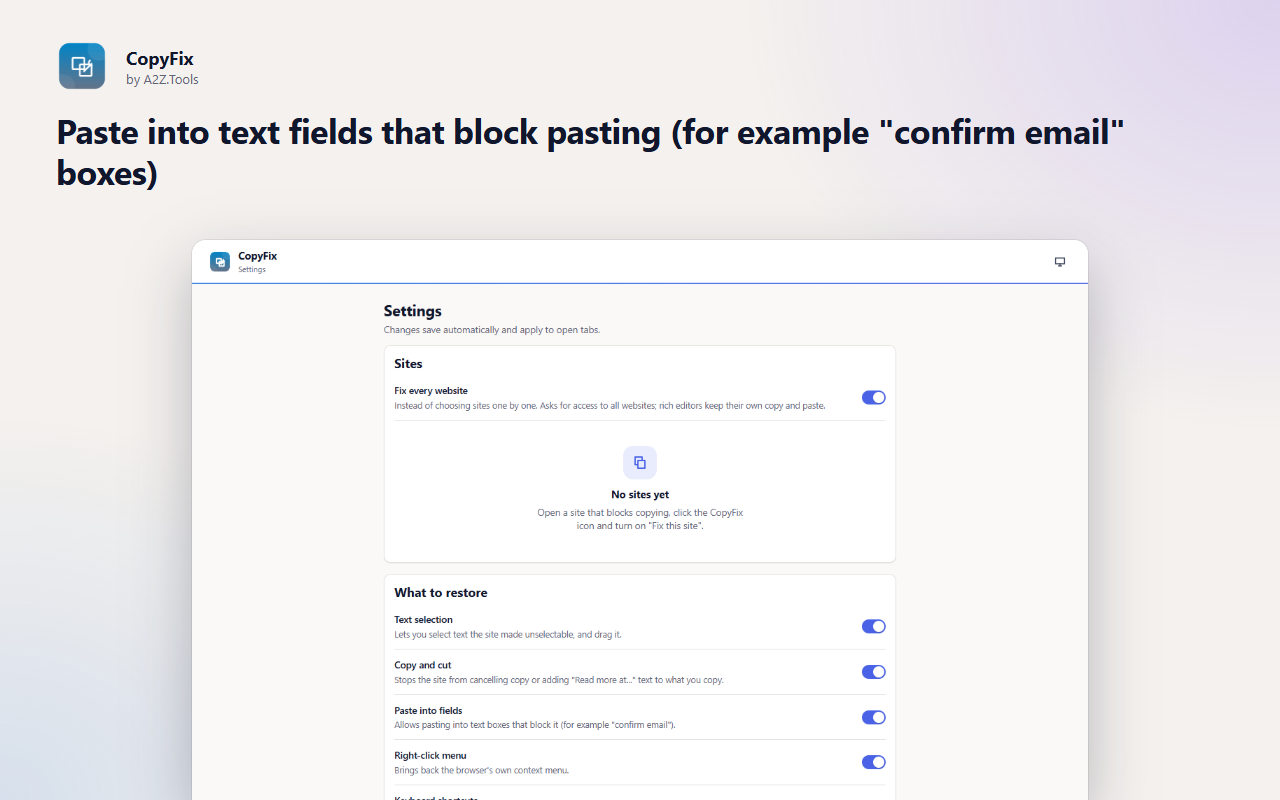
Some websites stop you selecting text, disable the right-click menu or block pasting into form fields - usually for no good reason, and often in ways that break accessibility tools and everyday tasks like quoting a source or filling in a form.
CopyFix restores normal browser behaviour on the sites you choose. It works by letting the browser's own copy, paste, selection and context-menu actions go ahead before the page's blocking scripts run, while leaving rich editors and web apps that genuinely handle copy and paste alone.
It also makes copying cleaner everywhere: copy a selection as tidy plain text or as Markdown with links and lists intact, or copy the page title with a link that has its tracking parameters removed.
Shortcuts can be changed in your browser's extension shortcut settings.
CopyFix only touches the sites you turn it on for and the tab you click it in. It reads your selection only when you ask it to copy, keeps settings on your device and sends nothing anywhere.
The current tab's title, address and selected text, only when you use a copy action. On sites you enabled, it changes how the page handles copy, paste, selection and right-click events.
storage.local in this browser profile: the list of sites you enabled and your preferences.
None.
Until you remove a site in Settings or remove the extension.
No account, no analytics, no advertising, no selling or sharing of data, and no remotely hosted code.
Remembers which sites you fixed and your copy preferences, on this device.
When you click the CopyFix icon or its right-click menu, lets it read your text selection and fix the current tab - only that tab, only at that moment.
Runs the small restore and copy scripts in the tab you chose, and keeps the restore script registered for the sites you enabled.
Adds "Copy clean text", "Copy as Markdown", "Copy page title and link" and "Fix copy and right-click on this site" to the right-click menu.
Puts the text you asked for on the clipboard, including on sites that try to block copying.
Optional and requested per site: when you turn on "Fix this site", CopyFix asks for access to that one site so the fix applies on every visit. "Fix every website" in Settings asks for all sites.
Optional and requested per site: when you turn on "Fix this site", CopyFix asks for access to that one site so the fix applies on every visit. "Fix every website" in Settings asks for all sites.
| Browser | Minimum version | Store |
|---|---|---|
| Google Chrome |
120 | Coming soon |
| Microsoft Edge |
120 | Coming soon |
| Mozilla Firefox |
140.0 | Coming soon |
No. It is off by default. Turn it on for a site from the popup and it is remembered, or choose "Fix every website" in Settings.
No. CopyFix only restores normal browser behaviour such as selecting and copying text that is already on the page. It does not bypass DRM, paywalls or access controls.
Rich editors and code editors keep their own copy, paste and shortcut handling, and paste is only restored in plain text fields.
Headings, paragraphs, bold and italic text, links, images, lists, code blocks, quotes and simple tables.
So the fix can run as soon as the page starts loading on every visit. Access is requested only for the sites you turn on.
Coming soon
Find the page you remember but can't find again.

Coming soon
Fix years of bookmark clutter, safely.

Coming soon
Turn cluttered pages into comfortable reading.
Questions, bugs or ideas for CopyFix? Contact the A2Z Tools team.
