
ReaderClean
Coming soon
Turn cluttered pages into comfortable reading.
- Chrome
- Edge
- Firefox
Browser extension by A2Z Tools
Fix years of bookmark clutter, safely.
Find duplicate, dead, redirected and untitled bookmarks and empty folders. Back up first, review every change, then apply.
 Chrome Web StoreComing soon for Chrome
 Microsoft Edge Add-onsComing soon for Edge
 Firefox Add-onsComing soon for Firefox
We are preparing the store listings. The buttons switch on as soon as each store approves the extension; there are no unofficial downloads.
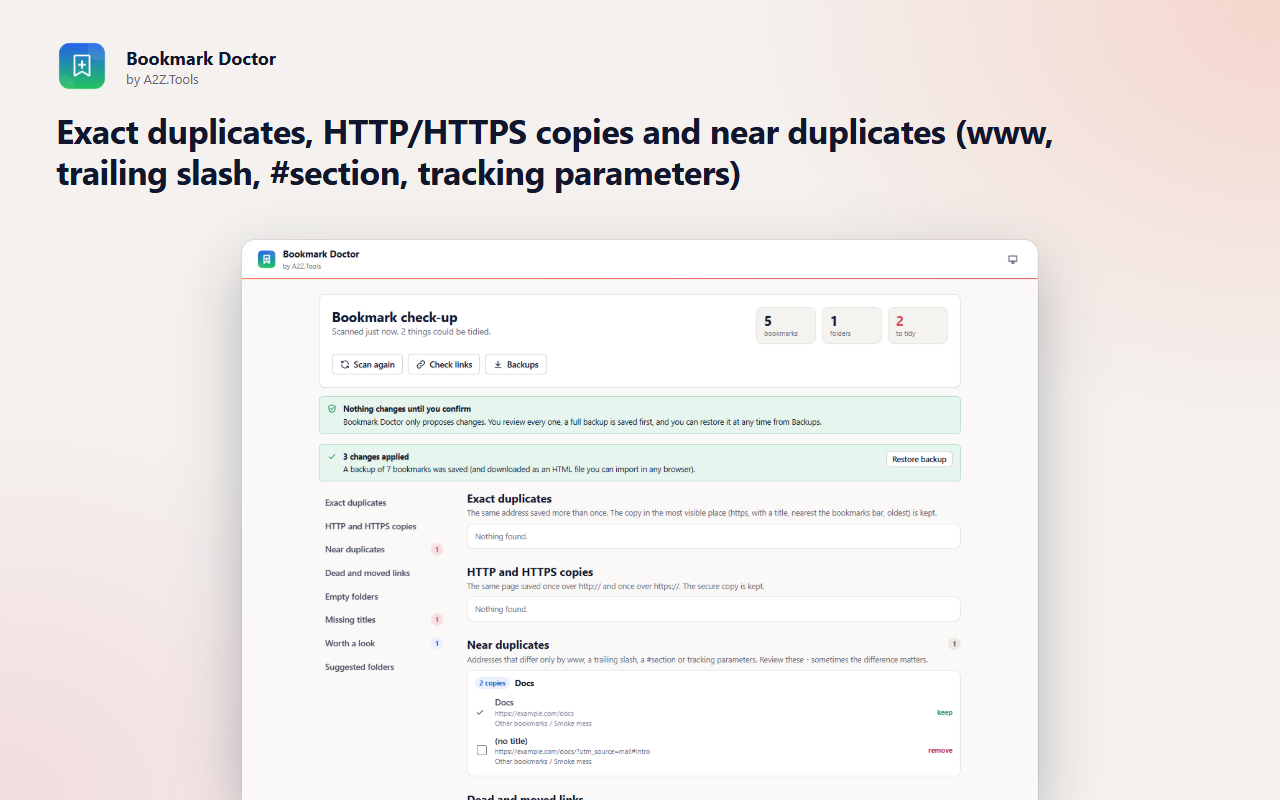
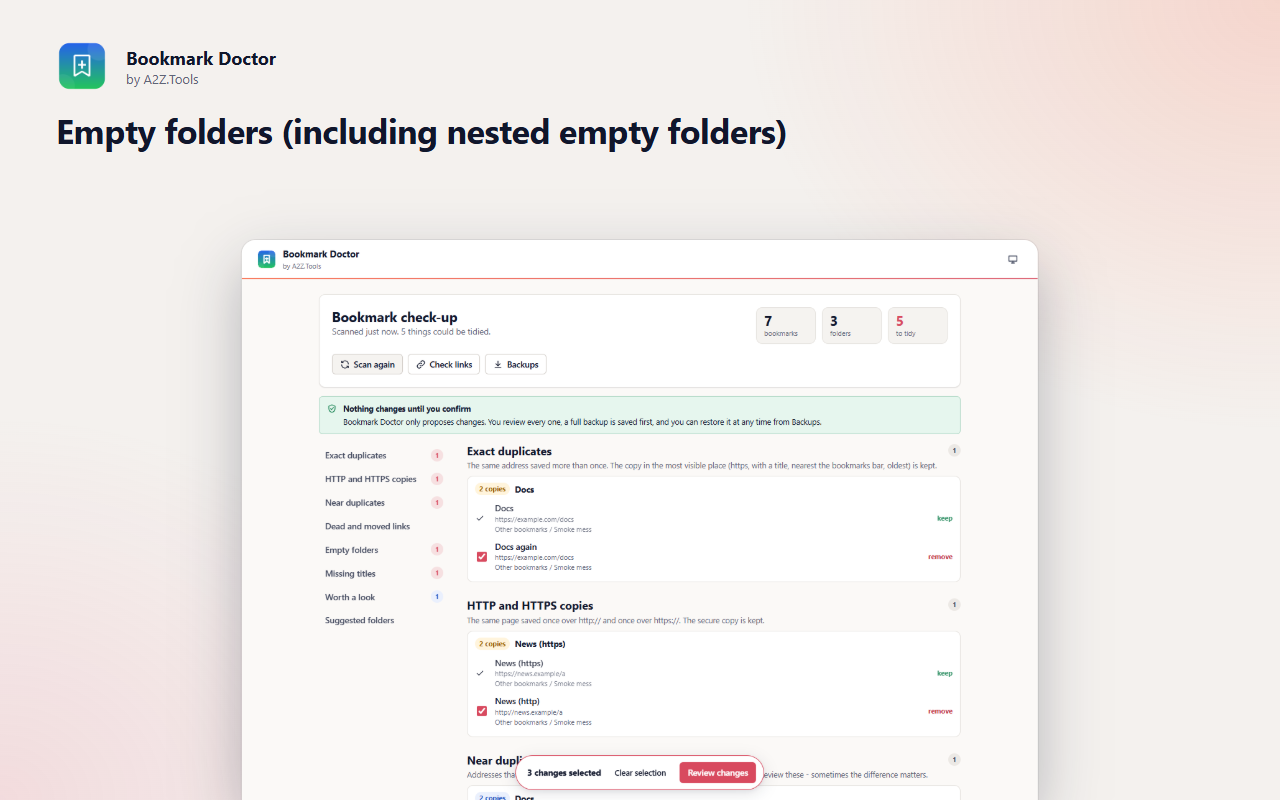
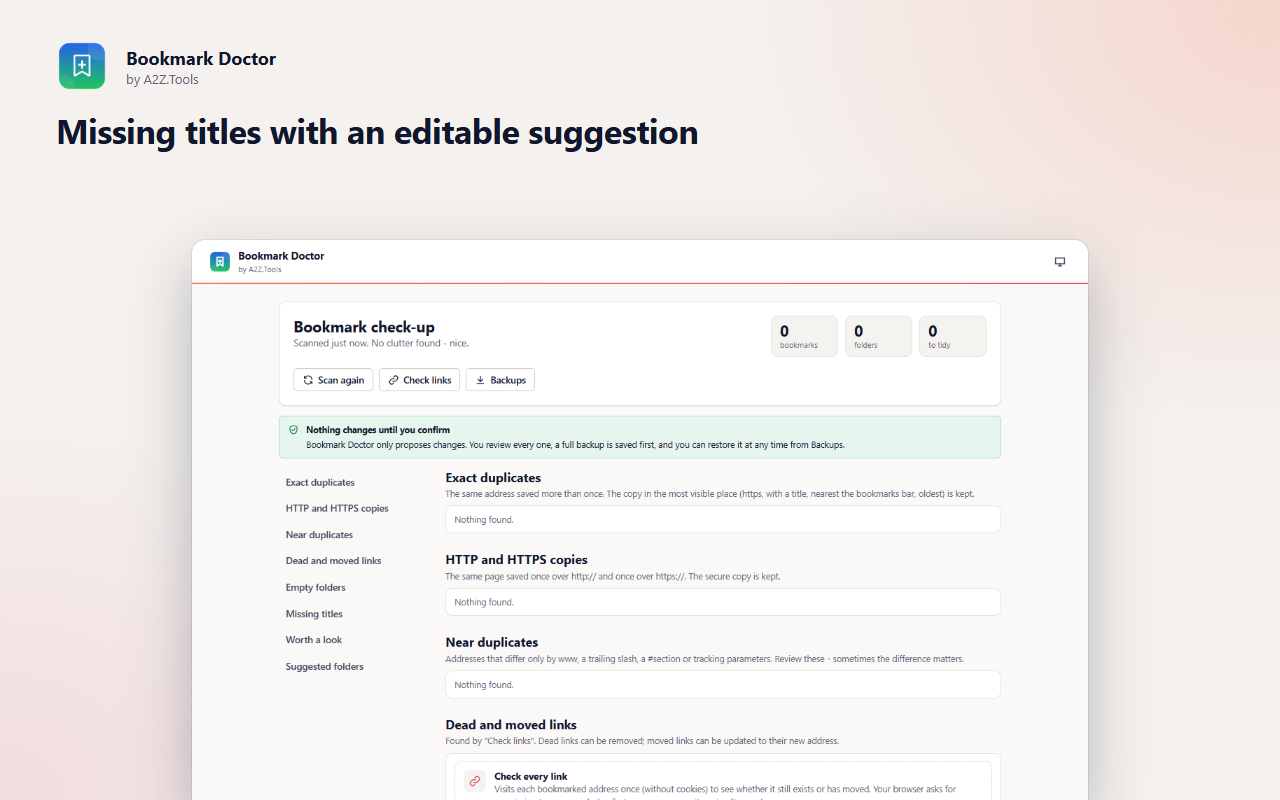
Years of bookmarking leave duplicates, dead links, folders with nothing inside and entries with no name. Bookmark Doctor finds all of it in seconds and proposes a clean-up - but it never touches a bookmark on its own.
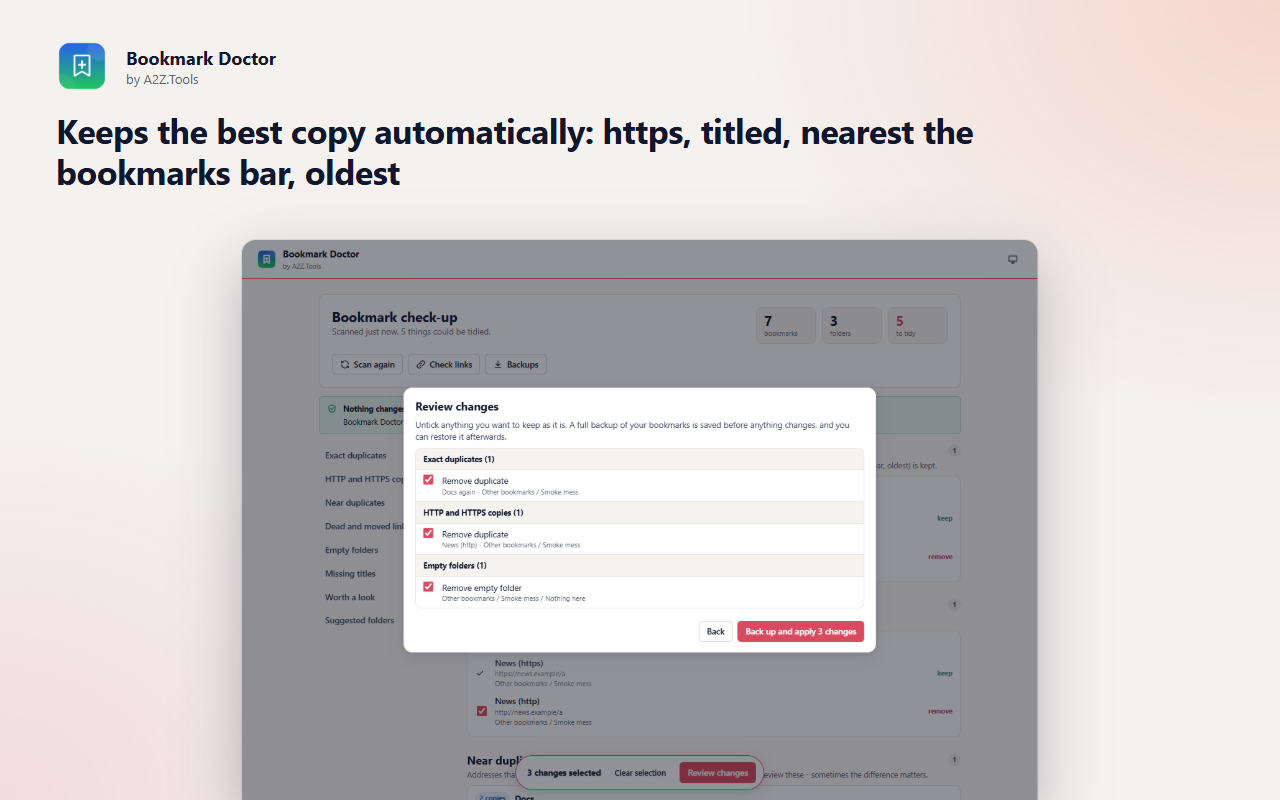
Every change goes through a review list you can untick, and a complete backup is saved first, both inside the extension and as a standard bookmarks file you can import into any browser. If you change your mind, restore the backup into a new folder.
An optional link check visits each bookmarked address once, without your cookies, to find pages that are gone or have moved to a new address. Your bookmarks never leave your browser.
Shortcuts can be changed in your browser's extension shortcut settings.
Your bookmarks are analysed in this browser and never uploaded. Changes happen only after you review and confirm them, and a backup is saved first.
Your bookmarks (titles, addresses, folders, dates added). Only during an optional link check: the HTTP status and final address of each bookmarked page.
Backups (the 10 most recent) in IndexedDB inside the extension, plus a downloaded HTML backup file before every change. A small record of the last applied change in storage.local.
None, unless you run "Check links": then each bookmarked web address is requested once (HEAD, or GET when HEAD is refused) directly from your browser without cookies or referrer. Nothing is sent to A2Z.Tools.
Backups stay until replaced by newer ones (10 kept) or you uninstall. Link-check results are kept only while the page is open.
No account, no analytics, no advertising, no selling or sharing of data, and no remotely hosted code.
Reads your bookmarks to find duplicates, empty folders and missing titles, and - only after you review and confirm - applies the changes you selected or restores a backup.
Remembers your theme choice and a short record of the last clean-up you applied, in this browser profile.
Optional, asked only when you press "Check links": visits each bookmarked address once, without cookies, to see whether it still exists or has moved. You can remove this access afterwards.
| Browser | Minimum version | Store |
|---|---|---|
| Google Chrome |
120 | Coming soon |
| Microsoft Edge |
120 | Coming soon |
| Mozilla Firefox |
140.0 | Coming soon |
Only the ones you select and confirm in the review list, after a backup has been saved. It never changes anything automatically.
Open Backups and choose Restore. The backup is recreated in a new folder so nothing current is lost. You also get a downloaded HTML backup you can import in any browser.
Each bookmarked page is requested directly from your browser, without cookies or referrer. Nothing is sent to A2Z.Tools. Site access is only requested when you start a check.
Some sites block automated requests or require you to be signed in. Those are never proposed for removal.
Coming soon
Turn cluttered pages into comfortable reading.
Coming soon
Find the page you remember but can't find again.
Coming soon
Remember exactly why you saved a webpage.
Questions, bugs or ideas for Bookmark Doctor? Contact the A2Z Tools team.
