

LinkGuard
Coming soon
Know where a link really goes before opening it.
- Chrome
- Edge
- Firefox
- Opera
- Safari

Browser extension by A2Z Tools
Know when an email tries to track you.
Detects and blocks tracking pixels in Gmail, Outlook and Yahoo Mail on the web, and cleans tracking from links you click.
 Chrome Web StoreComing soon for Chrome
 Microsoft Edge Add-onsAdd to Edge
 Firefox Add-onsComing soon for Firefox
 Opera add-onsComing soon for Opera
 Safari ExtensionsComing soon for Safari
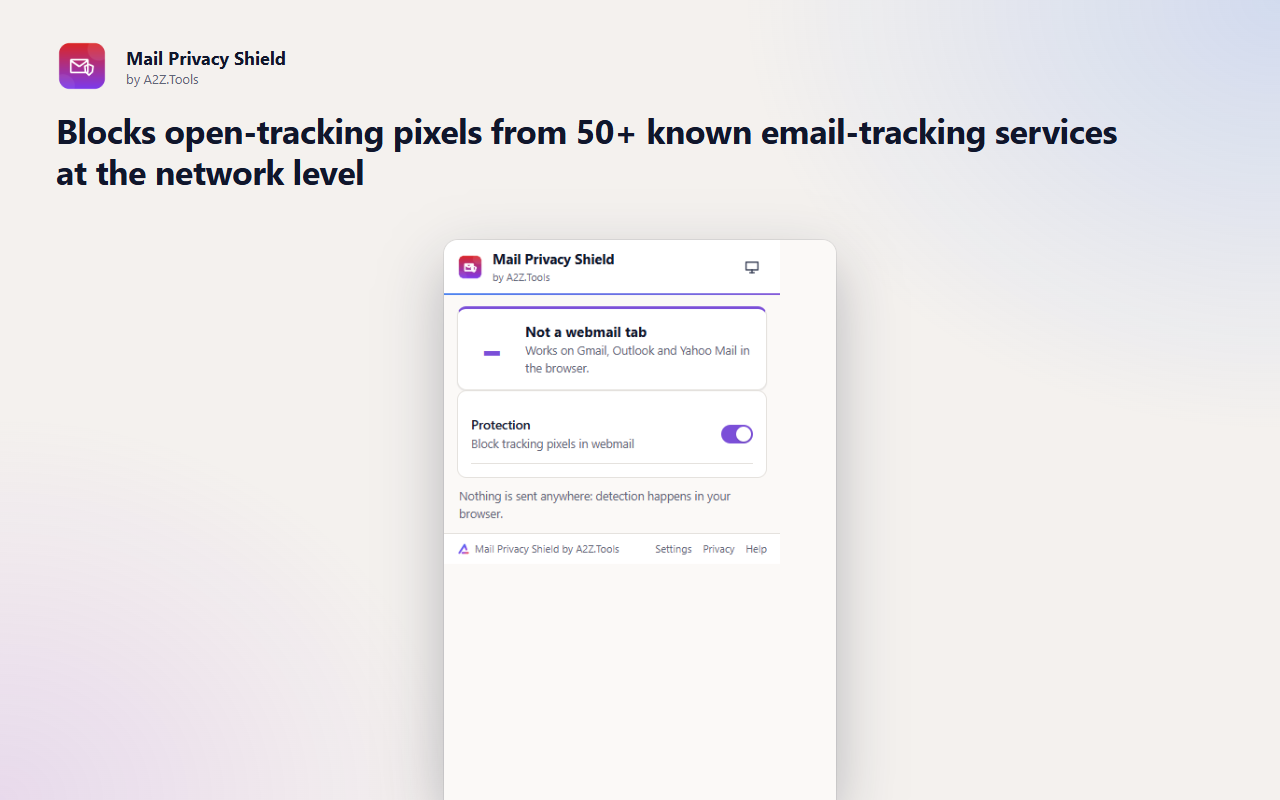
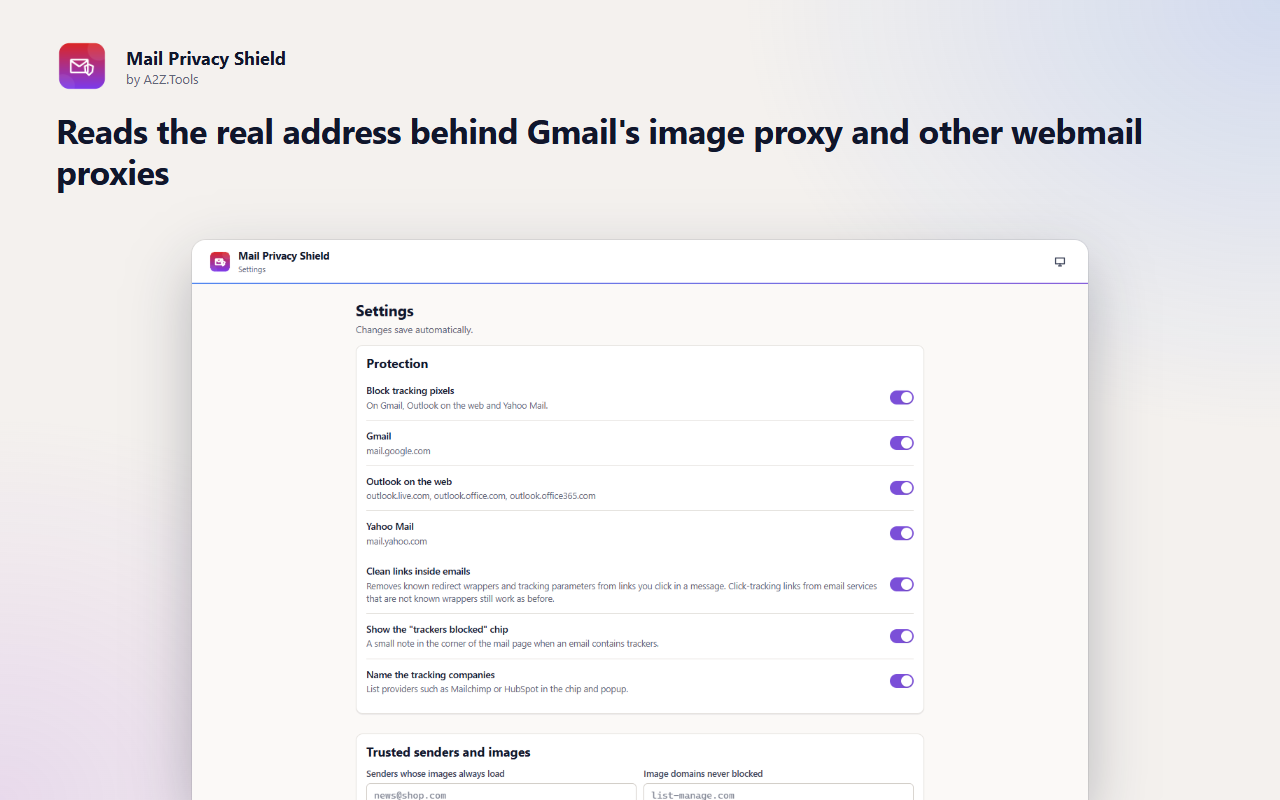
Most marketing emails, and many sales emails, carry an invisible image. When your mail client loads it, the sender learns that you opened the email, when, how many times and roughly where. Mail Privacy Shield stops those images from loading in Gmail, Outlook on the web and Yahoo Mail.
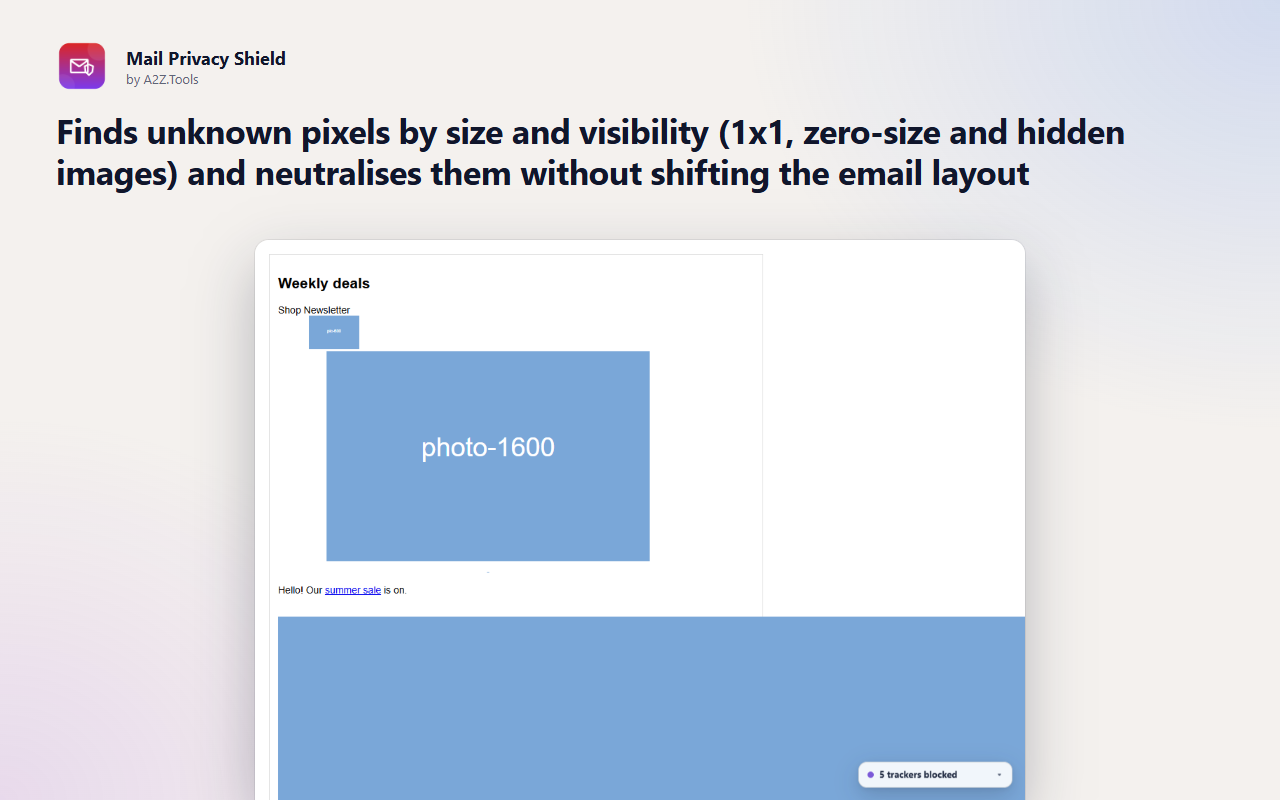
Known tracking services are blocked at the network level. Unknown pixels are recognised by their size and visibility and neutralised in place, so the email still looks exactly as it should. A small chip tells you how many trackers an email contained and which companies they belong to.
Everything happens in your browser. The extension looks only at image and link addresses inside the emails you open, never at what your emails say, and nothing is sent anywhere.
Detection happens in your browser. Mail Privacy Shield never reads, stores or sends the text of your emails, has no account and no analytics. It keeps only a count of blocked trackers on your device.
Inside Gmail, Outlook on the web and Yahoo Mail only: the addresses and sizes of images in the emails you open, the sender address (to honour your trusted-sender list) and the addresses of links you click inside an email.
storage.local in this browser profile: settings, trusted senders and image domains, and a running total of blocked trackers per tracking company.
None. Blocking happens locally with the browser's built-in request rules.
Counts stay until you reset them in Settings or remove the extension. Nothing about individual emails is kept.
No account, no analytics, no advertising, no selling or sharing of data, and no remotely hosted code.
Saves your settings, trusted senders and the running count of blocked trackers on this device.
Blocks images from known email-tracking services (such as Mailchimp's or SendGrid's open-tracking hosts) when your webmail requests them. The rules only apply to image requests made by Gmail, Outlook and Yahoo Mail pages.
Runs the pixel detector inside Gmail and lets the popup recognise a Gmail tab.
Runs the pixel detector inside Outlook.com.
Runs the pixel detector inside Outlook for Microsoft 365.
Runs the pixel detector inside Outlook for Microsoft 365 (older address).
Runs the pixel detector inside Yahoo Mail.
Runs inside web pages on: https://mail.google.com/*, https://outlook.live.com/*, https://outlook.office.com/*, https://outlook.office365.com/* and https://mail.yahoo.com/*.
| Browser | Minimum version | Store |
|---|---|---|
| Google Chrome |
120 | Coming soon |
| Microsoft Edge |
120 | Microsoft Edge Add-ons |
| Mozilla Firefox |
140.0 | Coming soon |
| Opera |
106 | Coming soon |
| Safari |
17.0 | Coming soon |
Detects and blocks tracking pixels in Gmail, Outlook and Yahoo Mail on the web, and cleans tracking from links you click.
It is designed not to. Only known tracking hosts and images that are invisible by size (1x1, zero-size or hidden) are blocked, and blocked images keep their size so layouts do not move. If a newsletter you trust looks wrong, trust its sender from the chip.
No. It only looks at the addresses of images and links inside the emails you open, in your browser. It never reads, stores or sends message text.
No. It works in the browser versions: mail.google.com, outlook.live.com, outlook.office.com and mail.yahoo.com.
Some pixels are only recognisable after they load (for example a normal-looking image that turns out to be 1x1). Those are reported so you know, but they were already requested.
Mail Privacy Shield is built for Google Chrome, Microsoft Edge and Mozilla Firefox, and is only ever installed from official browser stores. Opera and Safari versions are on the way; their buttons on this page switch on as each store approves the extension.
Coming soon
Know where a link really goes before opening it.

Coming soon
Say no to non-essential cookies once, everywhere.

Coming soon
Restore normal copy, paste and right-click on sites that block it.
Questions, bugs or ideas for Mail Privacy Shield? Contact the A2Z Tools team.

