

MediaMate
Coming soon
Better controls for videos on the web.
- Chrome
- Edge
- Firefox
- Opera
- Safari

Browser extension by A2Z Tools
Find and collect the highest-quality images on any page.
Find every image on a page, including srcset, lazy-loaded and CSS backgrounds, pick the largest versions and save them neatly.
 Chrome Web StoreComing soon for Chrome
 Microsoft Edge Add-onsAdd to Edge
 Firefox Add-onsAdd to Firefox
 Opera add-onsComing soon for Opera
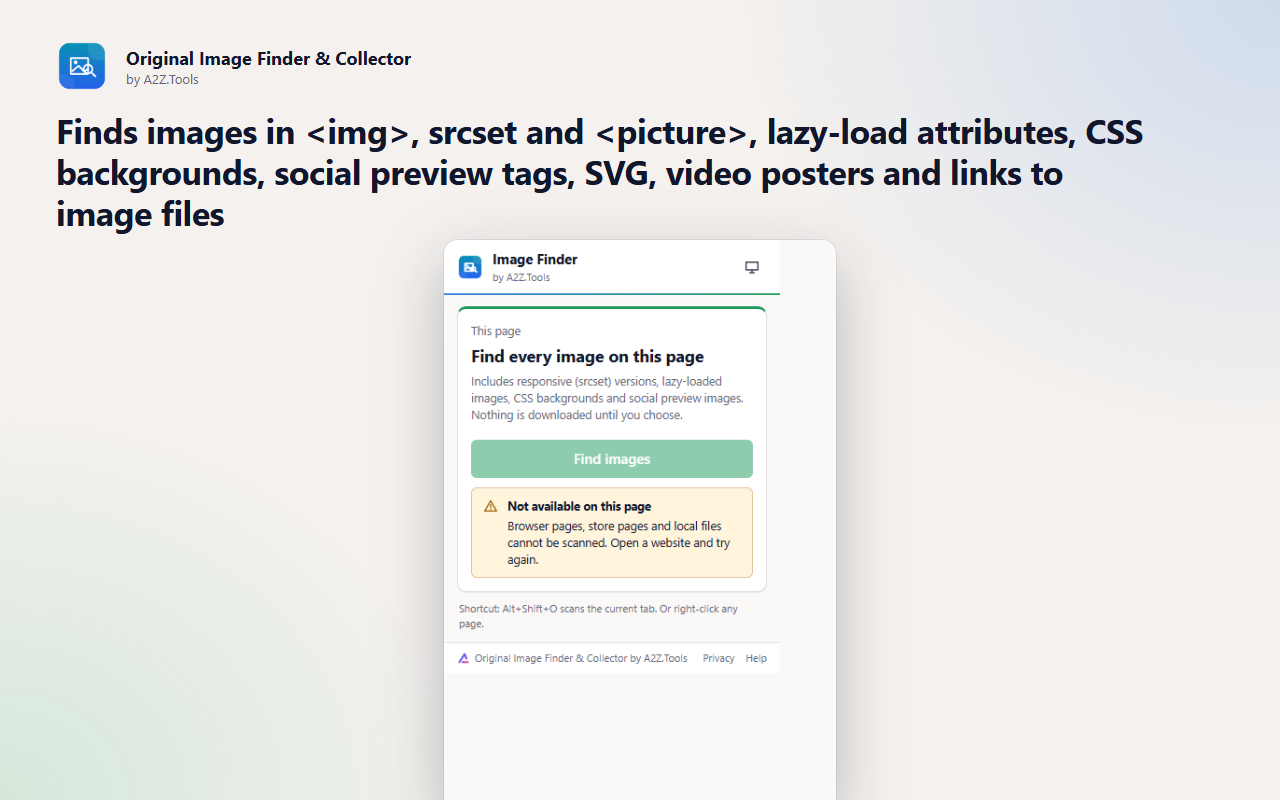
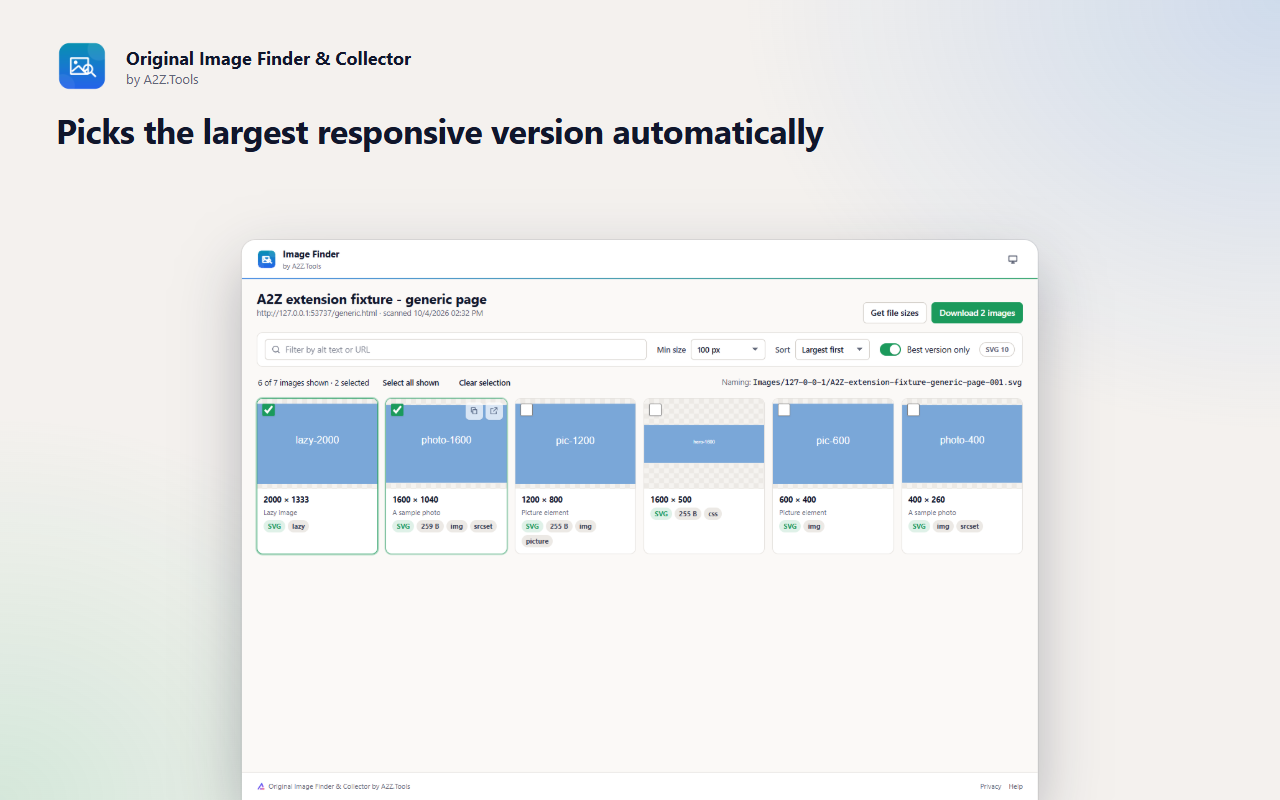
Right-click > Save image usually gives you whatever size the page happened to display. Original Image Finder & Collector looks deeper: it reads the responsive srcset candidates, lazy-load attributes, CSS backgrounds and social preview tags, then shows you the largest version of each picture it can find.
Smaller copies of the same image are grouped together, so a product gallery becomes one clean grid instead of five thumbnails per photo. Filter by size or format, select what you need and save it into a folder named after the site, with a file-name pattern you choose.
The extension only looks at a page when you ask it to and never works around logins, paywalls or download protection.
Shortcuts can be changed in your browser's extension shortcut settings.
Scans run only when you ask, on the tab you are viewing. Results stay on this device. No account, no analytics, no uploads.
The image addresses, alt text and sizes on the page you choose to scan, plus the page title and address for file naming.
storage.local in this browser profile: the most recent scan (replaced by the next one) and your preferences.
Previews and downloads load the images directly from the sites that host them, like opening them in a tab. "Get file sizes" sends a HEAD request to each image server, only when you press it. Nothing is sent to A2Z.Tools.
The last scan is kept until the next scan replaces it, or until you remove the extension.
No account, no analytics, no advertising, no selling or sharing of data, and no remotely hosted code.
Lets the extension read the images on the tab you are looking at, only after you click the button, use the shortcut or the right-click menu.
Runs the one-off image scanner in that tab. Nothing is injected into pages you have not asked to scan.
Saves the images you select into tidy folders inside your Downloads folder.
Adds "Find all images on this page" to the right-click menu.
Keeps the latest scan result and your naming and filter preferences on this device.
Optional, asked only when you press "Get file sizes": lets the collector ask image servers for each file's size and type. Without it, sizes appear only where the page already reported them.
| Browser | Minimum version | Store |
|---|---|---|
| Google Chrome |
120 | Coming soon |
| Microsoft Edge |
120 | Microsoft Edge Add-ons |
| Mozilla Firefox |
140.0 | Firefox Add-ons |
| Opera |
106 | Coming soon |
Find every image on a page, including srcset, lazy-loaded and CSS backgrounds, pick the largest versions and save them neatly.
Often, yes. Many sites ship several sizes of each picture in srcset or link to a larger original. The extension lists all of them and keeps the largest.
Images that only load after you scroll or click, canvas drawings and DRM-protected media cannot be listed. Scroll the page so lazy images load, then scan again.
In your Downloads folder, under Images/<site>/ by default. Change the pattern under Naming on the results page.
No. The scan runs in your browser and images download straight from the sites that host them.
Original Image Finder & Collector is built for Google Chrome, Microsoft Edge and Mozilla Firefox, and is only ever installed from official browser stores. An Opera version is on the way. There is no Safari version: Safari has no downloads API, which Original Image Finder & Collector needs.
Coming soon
Better controls for videos on the web.

Coming soon
Own and organize your AI conversations.

Coming soon
Save a webpage exactly as it is, before it changes.
Questions, bugs or ideas for Original Image Finder & Collector? Contact the A2Z Tools team.

