
How to Share Large PDF Files via Email Efficiently
Learn effective strategies for sharing large PDF files via email.
On this page 11 sections
- Key takeaways
- Understanding PDF File Size Limitations
- Strategies for Reducing PDF File Size
- Using Cloud Storage for Large PDFs
- Emailing Large PDFs: Best Practices
- When to Use Online Compression Tools
- Alternative File Formats for Sharing
- Follow-Up After Sending Large Files
- Common mistakes
- Frequently asked questions
- Conclusion
Sharing large PDF files via email can be challenging due to size limitations imposed by most email providers. Understanding these limitations and employing effective strategies for file compression and alternative sharing methods is essential for smooth communication.
Key takeaways
- Most email providers limit file sizes to around 25 MB.
- Reducing PDF file size can enhance communication efficiency.
- Cloud storage solutions offer a viable alternative for sharing large files.
- Clear communication about file sizes and sharing methods is crucial.
- Using online compression tools can simplify the process of reducing PDF sizes.
Understanding PDF File Size Limitations
Most email providers impose file size limits, typically around 25 MB. This limitation can hinder communication, especially when dealing with large documents such as reports or presentations. Understanding these limits is crucial for planning how to share files effectively.
When a PDF exceeds the size limit, it can lead to delays and complications in sending or receiving important documents. Therefore, being aware of the size constraints helps in strategizing the sharing process.
Strategies for Reducing PDF File Size
Reducing the size of PDF files can be accomplished through several methods:
- Use Compression Tools: Employ online tools to compress the PDF file without significant loss of quality. For instance, the compress PDF online tool can help reduce the size effectively.
- Remove Unnecessary Content: Consider deleting any unnecessary images or pages that do not contribute to the document's purpose.
- Adjust Image Resolutions: Convert high-resolution images to lower resolutions where possible to decrease file size.
These strategies not only help in reducing file size but also maintain the document's usability and readability.
Using Cloud Storage for Large PDFs
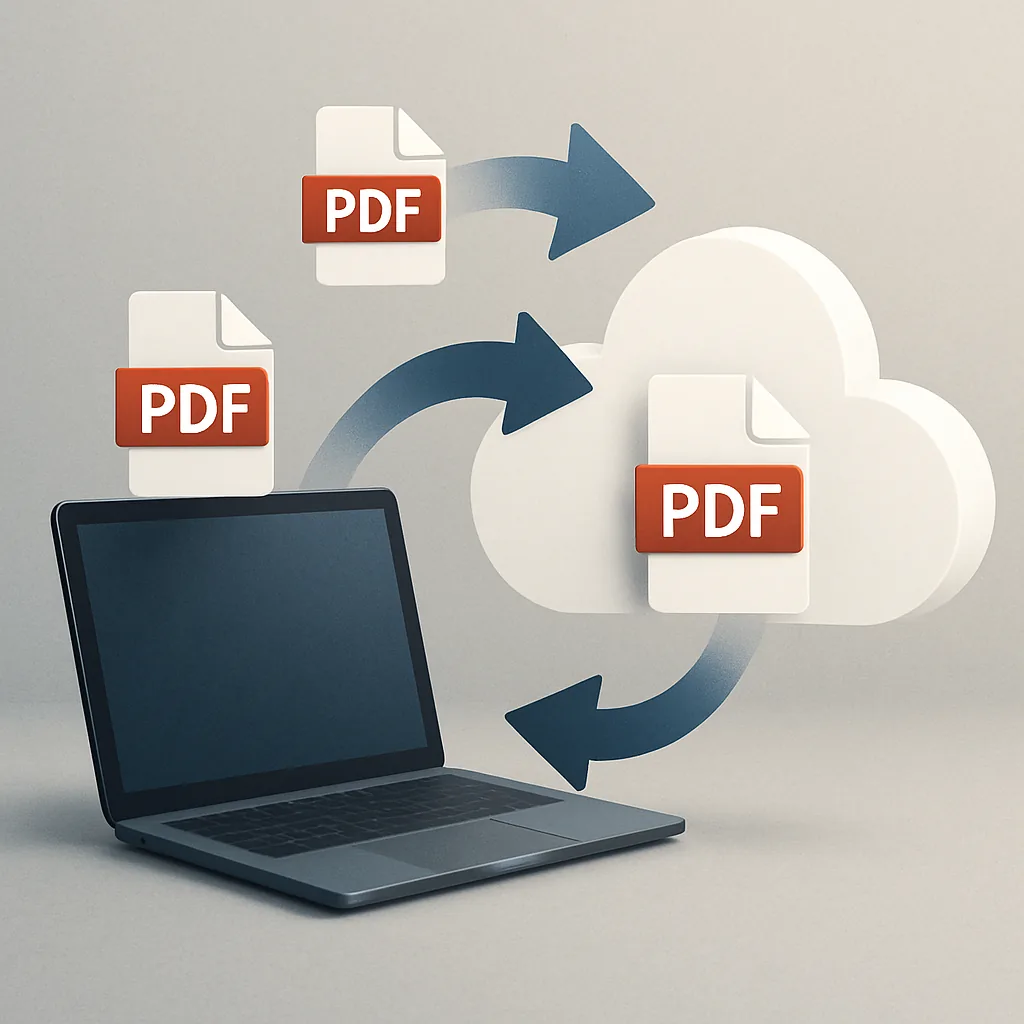
Cloud storage services like Google Drive and Dropbox provide an effective solution for sharing large PDFs. By uploading the document to a cloud service, users can share a link instead of sending the file as an attachment. This method circumvents email size restrictions.
When using cloud storage, it is essential to ensure proper sharing settings to maintain file accessibility. Recipients should have the necessary permissions to view or download the document without encountering access issues.
Emailing Large PDFs: Best Practices
When emailing large PDFs, following best practices can enhance communication:
- Notify Recipients: Always inform recipients about the file size and the method of sharing, especially if using cloud storage.
- Split Large PDFs: If necessary, consider dividing large PDFs into smaller sections to facilitate easier sharing.
- Use Clear Subject Lines: Provide clear subject lines and descriptions to help recipients understand the content and importance of the email.
These practices ensure that recipients are well-informed and can access the documents without confusion.
When to Use Online Compression Tools
Online compression tools can be particularly useful when quick and easy file size reduction is needed. These tools allow users to compress PDFs efficiently, making it easier to share large files via email or cloud storage.
However, it is important to choose tools that maintain quality while reducing size. Users should also be cautious about privacy when using online services, ensuring that their documents are handled securely.
Alternative File Formats for Sharing
In some cases, converting PDFs to alternative formats may be beneficial. For example, converting a PDF to a Word document or JPEG can sometimes result in smaller file sizes. However, it is crucial to ensure that the recipient can open the alternative formats without issues.
Different formats may have different size limitations, so evaluating the best format for sharing is essential based on the content and intended use.
Follow-Up After Sending Large Files
After sending large files, it is advisable to check in with recipients to confirm they received the documents. Maintaining open communication helps address any potential issues that may arise during the file access process.
Be prepared to resend the files or provide alternative access if recipients encounter difficulties. This proactive approach ensures that all parties are on the same page and can access the necessary information without delay.
Common mistakes
- Ignoring Size Limits: Failing to check the size of the PDF before sending can lead to delivery failures. Always verify the file size against the email provider's limits.
- Not Informing Recipients: Neglecting to notify recipients about the file size or sharing method can cause confusion. Always communicate clearly.
- Using Unreliable Compression Tools: Relying on unknown online tools may compromise document quality. Select reputable tools for compression.
- Overlooking Cloud Storage Settings: Failing to adjust sharing settings in cloud storage can prevent recipients from accessing files. Ensure permissions are set correctly.
- Not Following Up: Forgetting to check in with recipients can lead to unresolved issues. Always follow up to confirm receipt and accessibility.
Frequently asked questions
What is the maximum file size I can send via email?
Most email providers limit attachments to around 25 MB. Check with your specific provider for exact limits.
How can I compress a PDF file?
You can use online tools designed for PDF compression, such as the compress PDF online tool, which reduces file size while maintaining quality.
Is it safe to use online compression tools?
While many online tools are secure, it is important to choose reputable services that ensure privacy and data protection.
What should I do if my PDF is too large to send?
If a PDF exceeds the size limit, consider compressing it, using cloud storage, or splitting it into smaller sections.
Can I convert a PDF to another format for sharing?
Yes, converting a PDF to formats like Word or JPEG can sometimes make it easier to share, but ensure the recipient can open the new format.
Conclusion
To share large PDF files via email efficiently, understand size limitations and employ strategies such as compression and cloud storage. By following best practices and being proactive in communication, users can facilitate smoother file sharing experiences.
Keep reading
 Exploring New Gemini Tools for Small Business Owners
Explore Gemini's new tools designed for small business owners.
Exploring New Gemini Tools for Small Business Owners
Explore Gemini's new tools designed for small business owners.
 How to Download Videos from OK.ru for Offline Viewing
Learn how to download videos from OK.ru for offline viewing.
How to Download Videos from OK.ru for Offline Viewing
Learn how to download videos from OK.ru for offline viewing.
 How to Create Engaging Social Media Posts with Album Art
Learn how to create engaging social media posts using album art effectively.
How to Create Engaging Social Media Posts with Album Art
Learn how to create engaging social media posts using album art effectively.
