
How to Download Educational Videos for Offline Learning
Learn how to download educational videos for offline learning effectively.
On this page 11 sections
- Key takeaways
- Understanding the Need for Offline Learning
- Identifying Educational Video Sources
- Legal Considerations for Downloading Videos
- Steps to Download Educational Videos
- Organizing and Managing Downloaded Videos
- Enhancing Your Offline Learning Experience
- Utilizing Tools for Efficient Downloads
- Common mistakes
- Frequently asked questions
- Conclusion
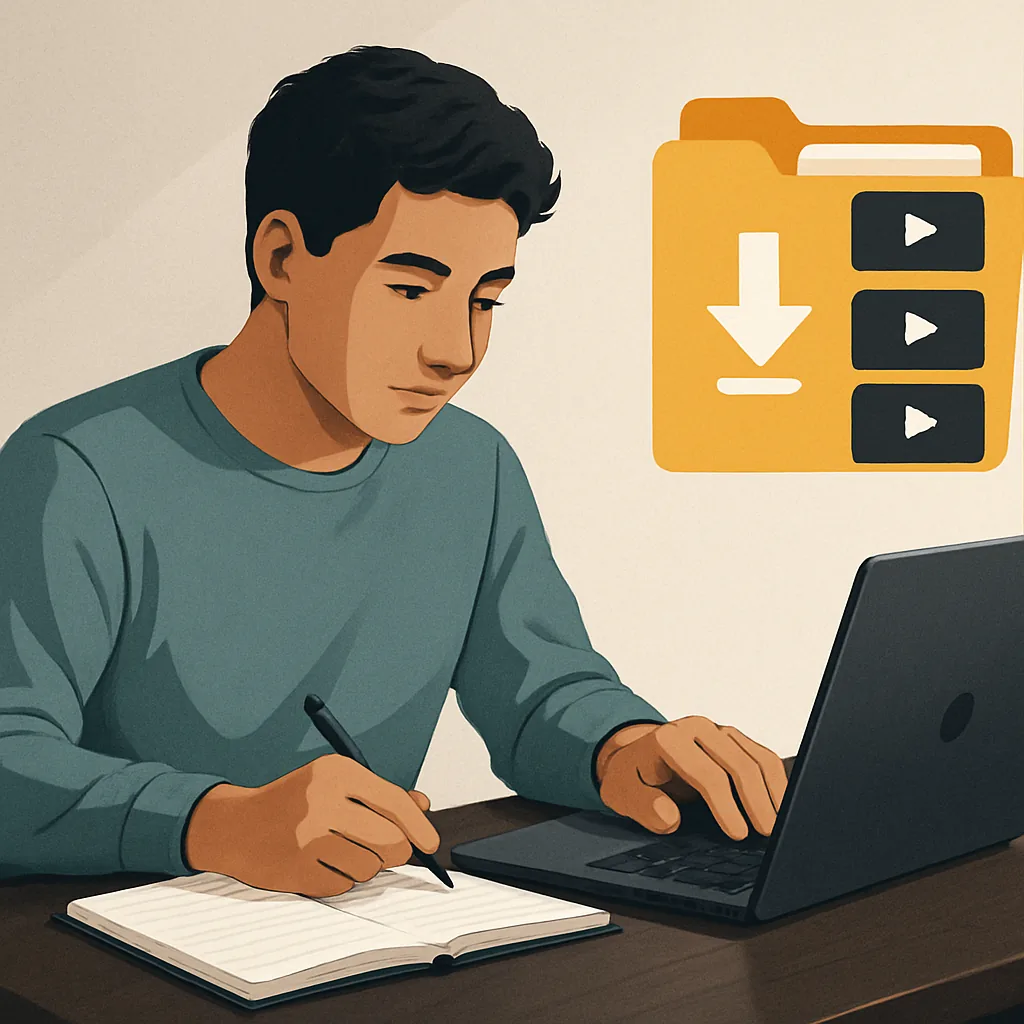
Downloading educational videos for offline learning is essential for enhancing access to valuable content. It allows learners to study without relying on internet connectivity, making it easier to review lessons anytime and anywhere.
Key takeaways
- Offline learning provides accessibility, flexibility, and convenience.
- Educational videos can be found on various platforms like YouTube, Odysee, and Vimeo.
- Understanding copyright laws is crucial before downloading any video content.
- Using reliable tools can simplify the video downloading process.
- Organizing downloaded content effectively enhances the learning experience.
Understanding the Need for Offline Learning
Offline learning offers numerous benefits, including greater accessibility, flexibility, and convenience. For instance, students can access educational materials without needing a stable internet connection, which is particularly useful in areas with limited connectivity. Situations such as traveling or attending remote locations often necessitate offline access to educational content.
Educational content is available in various formats, including lectures, tutorials, and full courses. These resources can significantly enhance the learning experience, allowing users to engage with material at their own pace.
Identifying Educational Video Sources
There are several popular platforms where educational videos are hosted, including YouTube, Odysee, and Vimeo. Each platform has its unique offerings and types of content. For example, YouTube hosts a wide range of tutorials and lectures, while Odysee may feature more niche educational content.
Finding quality educational content involves searching for reputable channels and creators. Users should also consider the licensing of the content, as some videos may be freely available for download, while others may have restrictions.
Legal Considerations for Downloading Videos
Before downloading videos, it is vital to understand copyright laws related to video content. Many educational videos are protected by copyright, and downloading them without permission may violate legal guidelines. Users should check the licensing of each video, such as whether it is under Creative Commons, which may allow for downloading and sharing under specific conditions.
It is essential to distinguish between personal use and redistribution of downloaded content. Downloading for personal study is generally acceptable, but sharing or redistributing copyrighted material without permission is not.
Steps to Download Educational Videos
- Identify the video you want to download from the source platform.
- Copy the URL of the video from the address bar.
- Visit a reliable online video downloader tool.
- Paste the video URL into the downloader tool.
- Select the desired format and quality for the download.
- Click the download button to save the video to your device.
For example, to download a video from Odysee, a user can utilize the Odysee Video Downloader. By pasting the video URL and selecting the preferred format, users can easily save the content for offline access.
Organizing and Managing Downloaded Videos
Once videos are downloaded, organizing them effectively is crucial for easy access. Users should create a structured folder system on their devices, categorizing videos by subject or topic. Naming conventions should be clear and consistent to facilitate quick retrieval.
Utilizing media players that support various formats ensures compatibility with downloaded videos. Creating playlists can also enhance the learning experience by allowing users to follow a structured learning path.
Enhancing Your Offline Learning Experience
To maximize the benefits of offline learning, users should adopt effective study habits. Incorporating note-taking and summarization techniques can help reinforce learning. Additionally, using educational resources alongside downloaded videos, such as textbooks or online articles, provides a more comprehensive understanding of the subject matter.
Utilizing Tools for Efficient Downloads
Several tools can simplify the downloading process, making it easier to access educational videos. When choosing a tool, consider factors like download speed and format support. The Download Video From URL tool is another option for downloading videos from various platforms.
For those specifically interested in Odysee videos, the Odysee Video Downloader is a reliable choice that allows users to fetch downloadable formats quickly.
Common mistakes
- Ignoring copyright laws: Always check the licensing of videos before downloading to avoid legal issues.
- Not verifying video availability: Ensure that the video is publicly accessible and downloadable before attempting to save it.
- Neglecting organization: Failing to organize downloaded videos can lead to difficulty in locating content later. Create a structured system for easy access.
- Choosing the wrong format: Select the appropriate video format based on your playback device to avoid compatibility issues.
Frequently asked questions
Can I download any educational video?
No, not all educational videos can be downloaded. Always check the licensing and permissions associated with each video.
What tools can I use to download videos?
There are various tools available, including online video downloaders like the Download Video From URL tool.
Is it legal to download educational videos?
It depends on the video's licensing. Always verify whether the content is available for download and respect copyright laws.
How can I organize my downloaded videos?
Create a structured folder system and use clear naming conventions to categorize videos by subject or topic.
What formats should I download?
Choose formats that are compatible with your devices, such as MP4 for video playback or MP3 for audio files.
Conclusion
Downloading educational videos for offline learning is a valuable skill that enhances accessibility and flexibility in studying. By understanding the sources, legal considerations, and effective organization methods, learners can create a rich library of educational content that supports their academic goals.
Keep reading
 How to Download SoundCloud Music for Offline Listening
Learn how to download SoundCloud music for offline listening effectively.
How to Download SoundCloud Music for Offline Listening
Learn how to download SoundCloud music for offline listening effectively.
 Exploring Google's Intelligent Universal Shopping Cart: A Game Changer for Holiday Shopping
Discover how Google's Universal Cart transforms holiday shopping.
Exploring Google's Intelligent Universal Shopping Cart: A Game Changer for Holiday Shopping
Discover how Google's Universal Cart transforms holiday shopping.
 How to Download Music for Offline Listening on Your Device
Learn how to download music for offline listening on your device effectively.
How to Download Music for Offline Listening on Your Device
Learn how to download music for offline listening on your device effectively.
